01 / DOWNLOAD
Get Stayzee
Download on iPhone or Android, create an account and start with the free plan. You can keep booking hotels wherever you usually do.
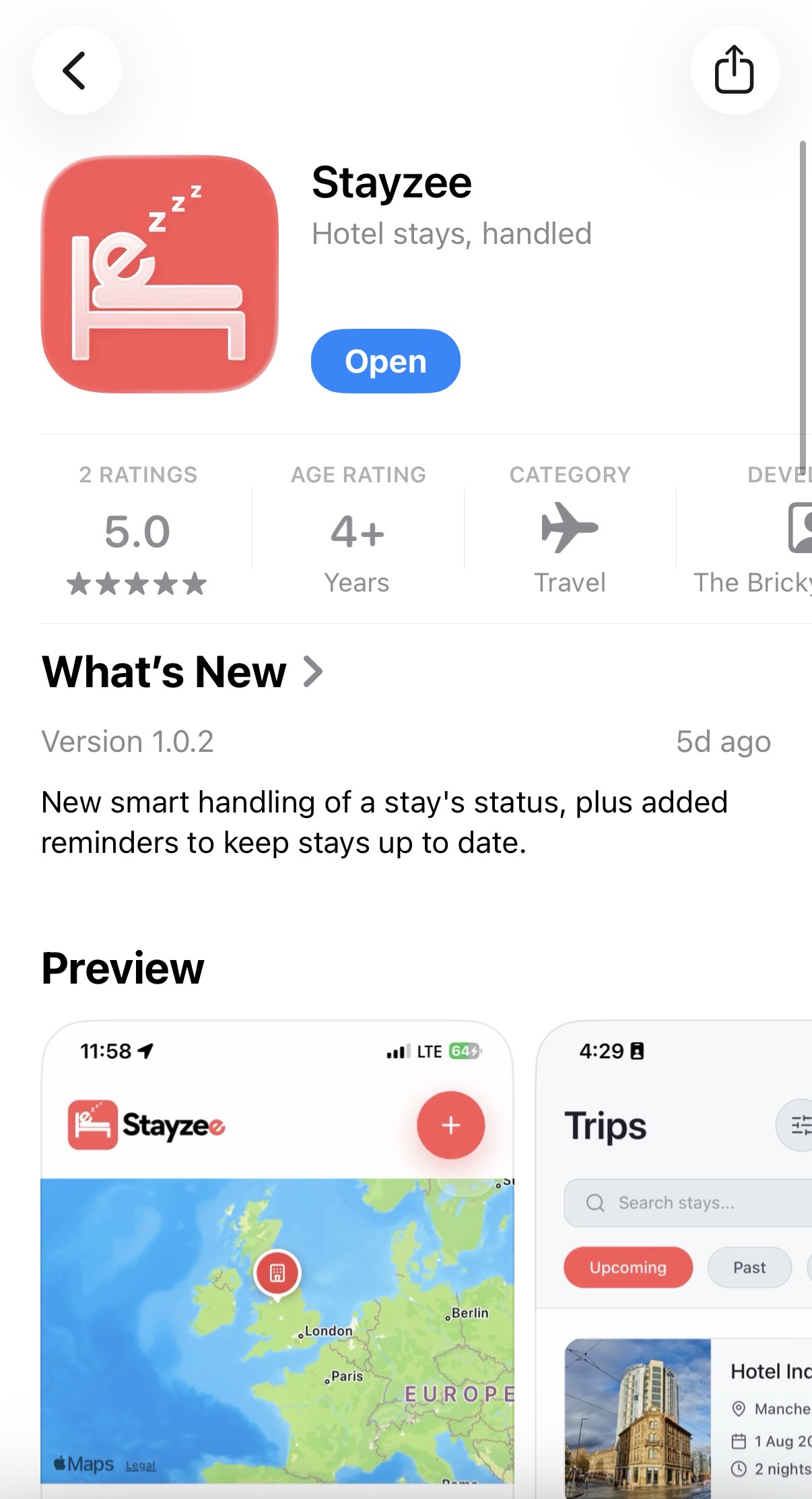

Your next hotel is in an email. The address is in a screenshot. Stayzee puts your stays, details and favourite hotels in one place — ready when you arrive.


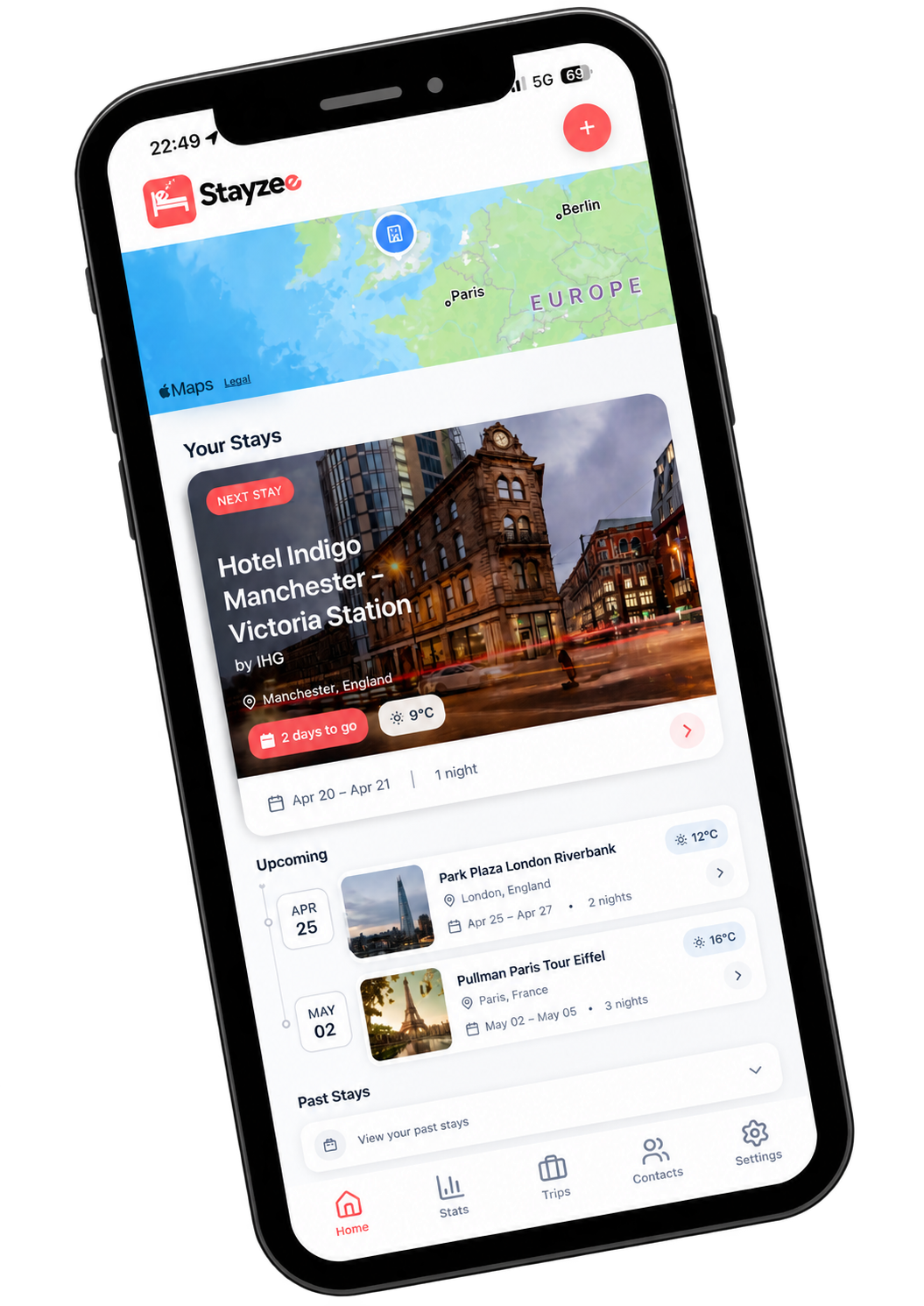
The confirmation is somewhere in your inbox. Someone needs the address. You are trying to find your check-in time while travelling.
Open Stayzee. There’s your stay.

Book with any hotel or booking site, then bring the details into Stayzee. Here is what the app looks like along the way.
Download on iPhone or Android, create an account and start with the free plan. You can keep booking hotels wherever you usually do.
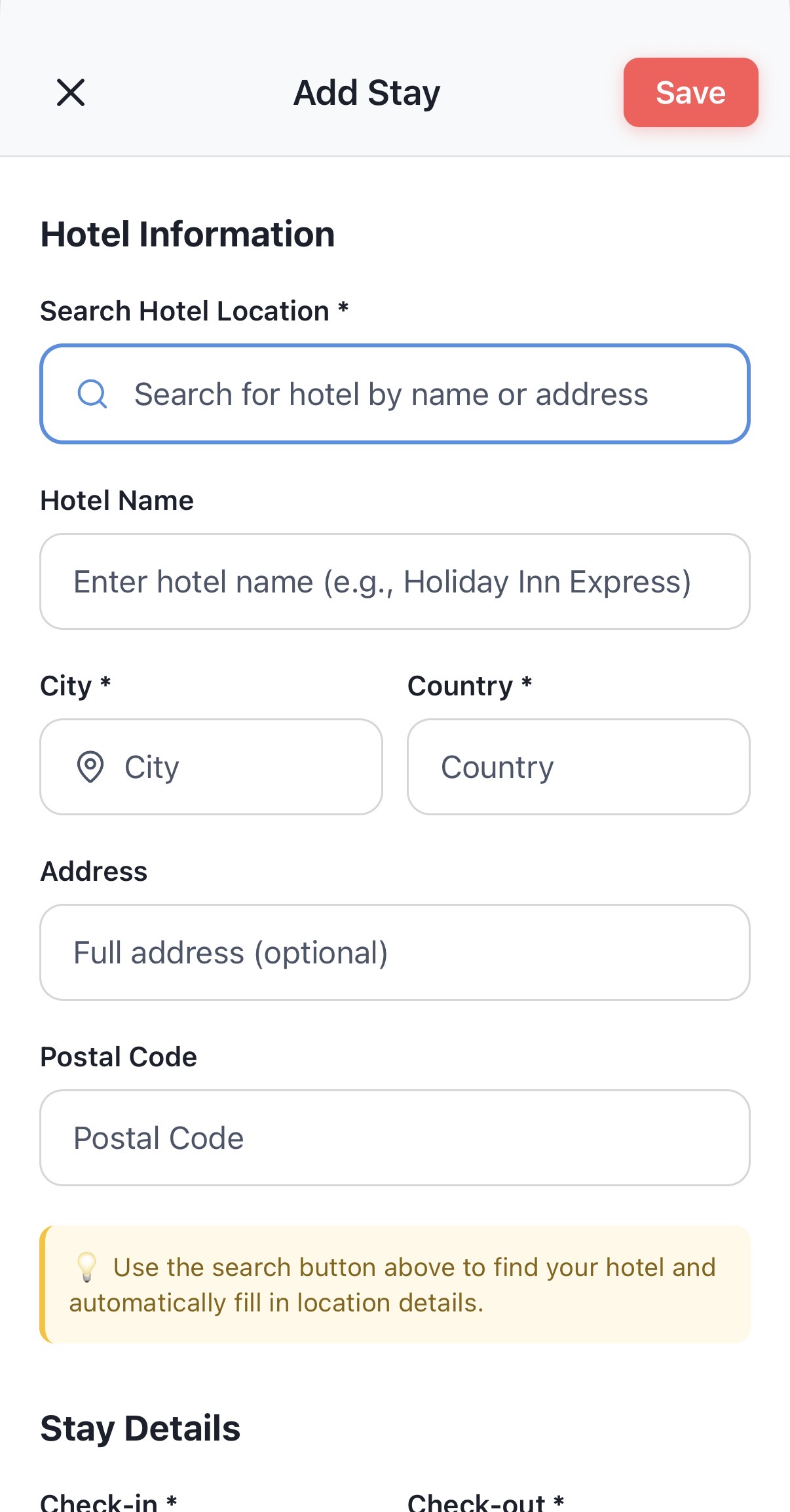
Search for your hotel or enter its details, then add your dates and booking information. With Pro, you can forward the confirmation from your registered email address.
Open the stay for the hotel's location and your booking details. Share the stay with chosen buddies and keep track of your arrival.
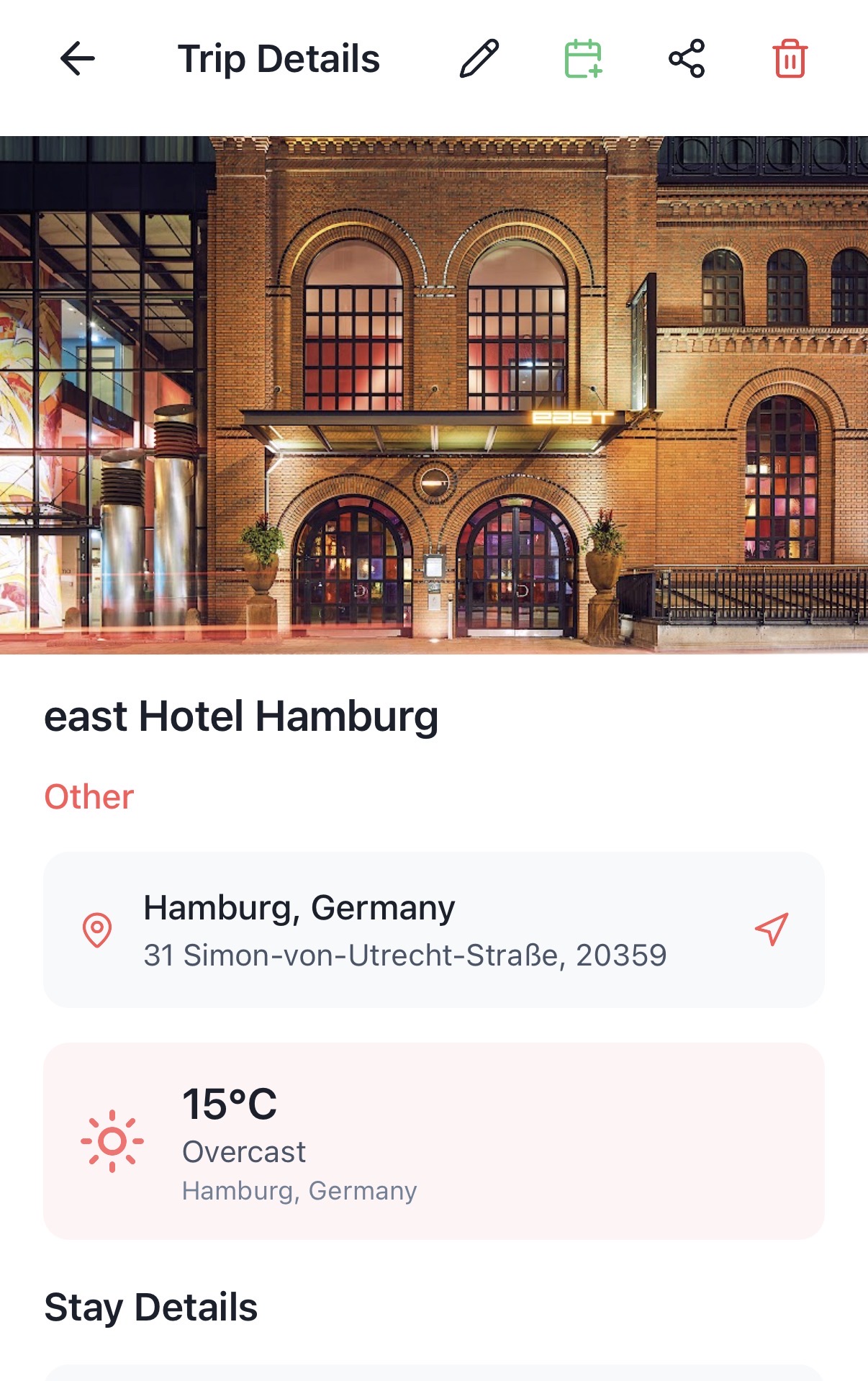
These are real screens from the app. The hotel shown is an example stay; your own details appear when you add a booking.
Different hotels. Different booking sites. One clear view of where you are staying next, with the practical details right beside it. When a trip changes, you can update the stay rather than hunting through old messages.
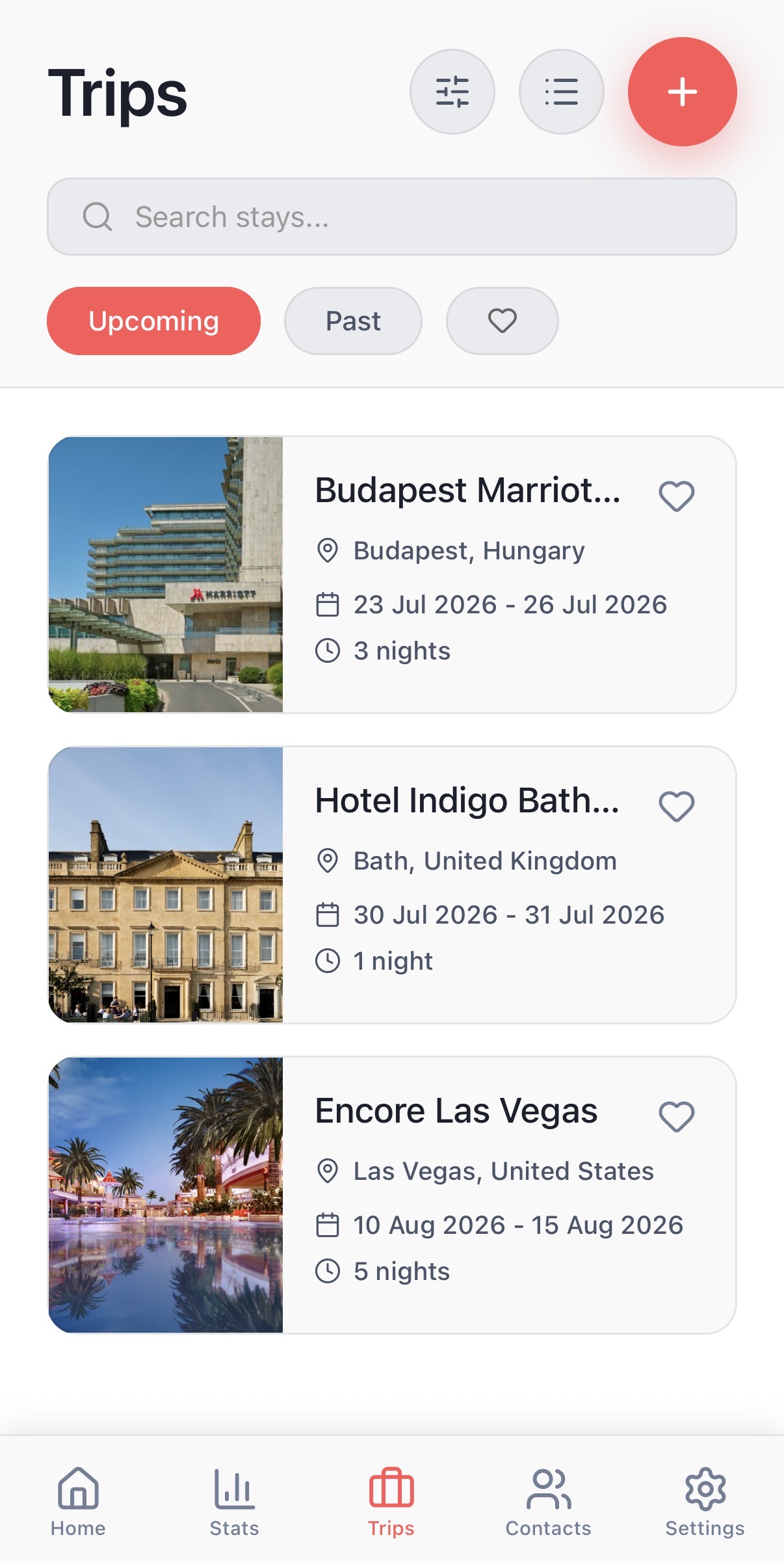
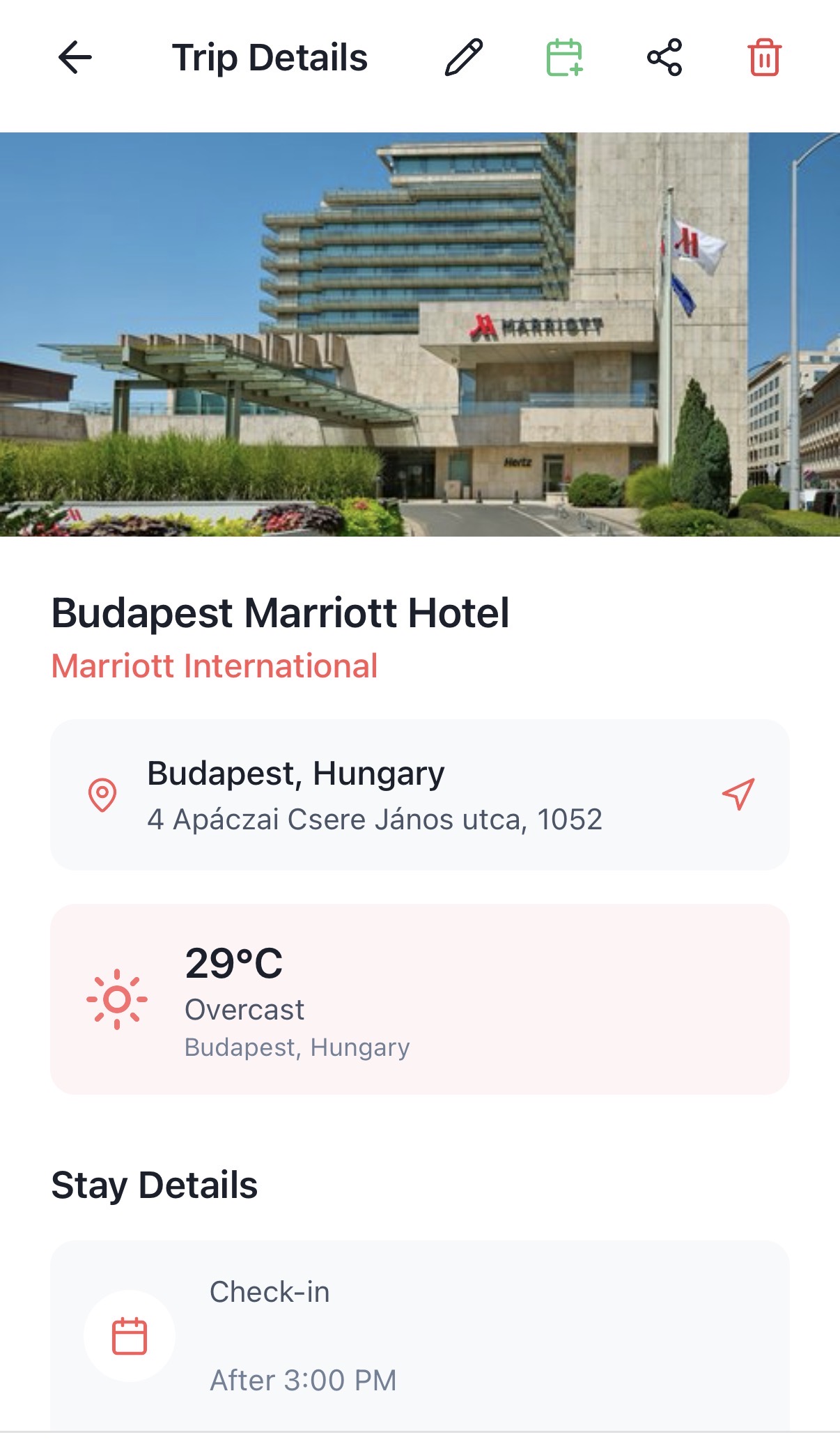
Find the right details, remember the hotels you liked and keep your people in the loop. The small things that make being away easier.
With Stayzee Pro, send your booking confirmation to Stayzee and let it extract the details. Less copying before you go.
Keep your favourite hotels and past stays together. When you head back to a city, you know where you stayed.
Share selected stays with your buddies, so family, friends or colleagues can find the plans you want them to see.
With location enabled, Stayzee can recognise your arrival and update your stay automatically. Manual check-in is available too.
If you stay in hotels often, the difficult bit is rarely making a booking. It is finding the right information later, especially when several trips overlap.
Open your next stay and find the hotel address and dates without searching your inbox at the station, airport or taxi rank.
Choose which buddies can see a stay. Family or friends can know which hotel you are heading to and receive an update when you arrive.
Look up your previous stays and favourite hotels before booking again. No guessing which place worked well last time.
Sharing is your choice. Arrival updates depend on the permissions and buddies you set in the app.
A late arrival after a long day. Someone at home waiting for an update. Stayzee can notify your selected buddies when you check in, with sharing and location permissions under your control.
Auto check-in updates your status in Stayzee. You still complete any check-in required by the hotel.

Example hotel stay
Get started with the free plan and add a hotel stay manually. Choose Stayzee Pro for extras including booking imports by email.
See current plan details and subscription prices in the app.
Download StayzeeYes. Stayzee has a free plan and an optional Pro subscription. Add a stay manually to get started; booking imports by email require Pro. You can see current plan limits and prices in the app.
Stayzee helps you manage hotel bookings you've made elsewhere. Add the stay to keep its details in one place.
Add a stay manually in the app. With Stayzee Pro, you can also forward a booking confirmation from your registered email address to inbox@bookings.stayzee.app.
You select the buddies who can see a stay. If you enable the relevant location permissions, Stayzee can recognise when you arrive and update the stay.
No. Location features are optional and depend on the permissions you choose to grant.
Stayzee is designed for hotel stays across brands. Add the booking you've made, wherever you're staying.
Stayzee is available on the App Store and Google Play.
Download free. Add your next stay. Have it ready when you need it.